
Redirect with Status Code — AlterURL
URL Redirection
Redirect with Status Code — AlterURL
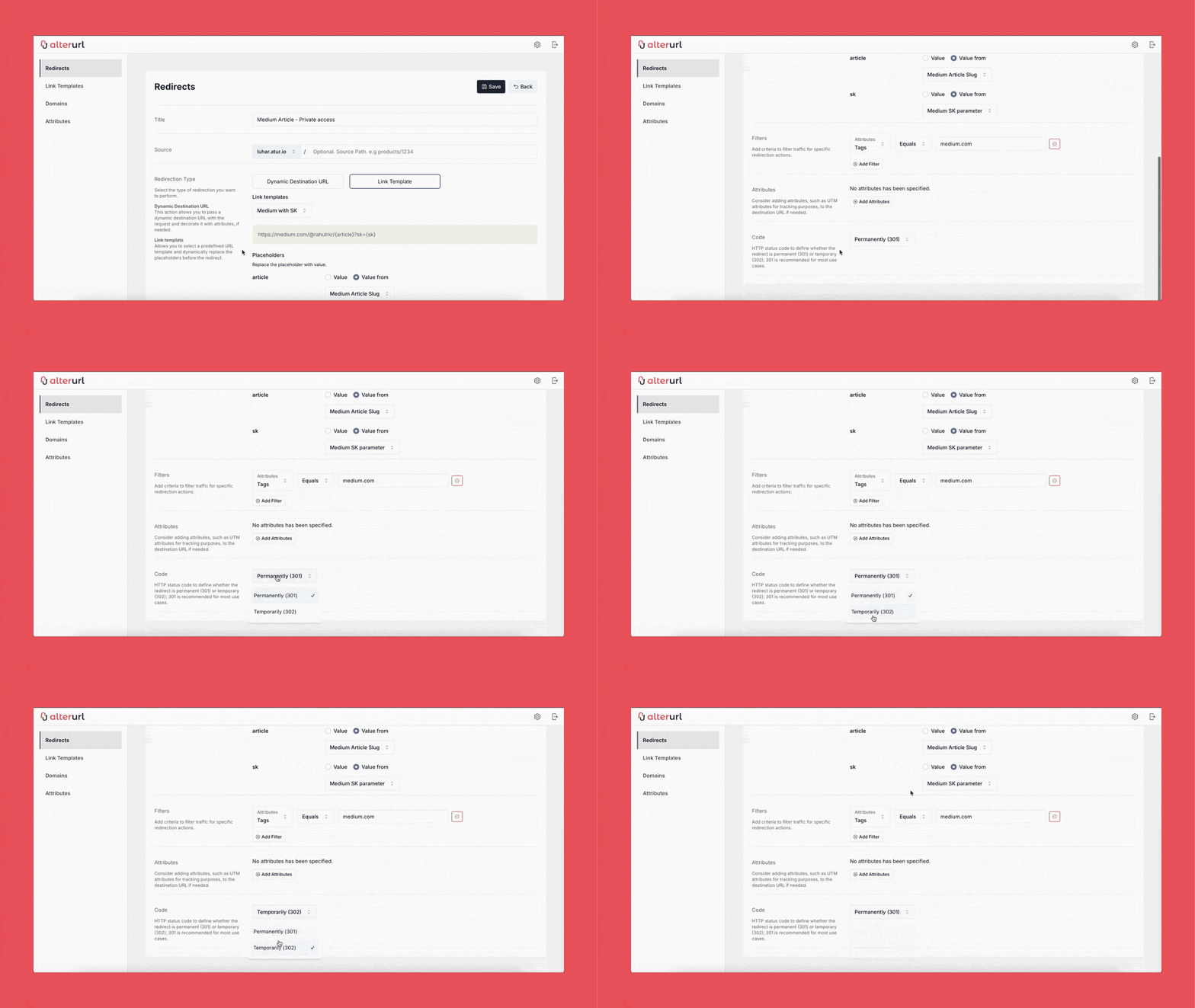
We added a new feature allowing users to choose the redirect code.
We added a new enhancement to AlterURL that gives users more control over their redirection behavior. Starting today, you can manually select the HTTP status code used when redirecting your URLs.
Why this matters
While this will work for most use cases, some users needed more precision — whether it was for SEO, caching, etc... With this update, you can now choose the redirect status code that fits your exact needs.
What’s new
When creating or editing a redirect, you can now choose from the following status codes:
301 — Moved Permanently
302 — Found (Temporary Redirect)
Looking ahead
This is part of our ongoing mission to make AlterURL the most powerful and flexible redirection tool available. More control features are on the way — including rule-based status code selection and conditional redirects based on device or location.
Try it out and let us know what you think!
Redirect with Status Code — AlterURL was originally published in AlterURL on Medium, where people are continuing the conversation by highlighting and responding to this story.